7 Ways to Improve Your Small Business’ Website Security
As a small business owner, you might assume that hackers usually target larger, high-revenue organizations and leave small businesses alone. Unfortunately, this is not the case. In fact, small businesses make for ideal targets for cyber-attacks as they often lack the proper security measures to protect themselves from cybercrimes. In order to ensure your small business is fully protected, it’s important to make any necessary security improvements. Discover these seven practical ways to improve your small business’ website security.
Table of Contents
- 1. Audit and Monitor Your Website - Both Automatically and Manually
- 2. Keep Plugins and Software Up-to-Date
- 3. Strengthen Passwords and Consider MFA
- 4. Use a Trusted Web Host
- 5. Perform Routine Offsite Backups
- 6. Install a Quality WAF (Web Application Firewall)
- 7. Hire a Web Security Expert
- Contact Our Web Security Experts
1. Audit and Monitor Your Website - Both Automatically and Manually
Running a manual security audit on your business website at least monthly is an effective way to detect suspicious activities, behaviors, and red flags. A security audit helps you identify potential security threats and determine steps to take to enhance your safety features.
Common factors to keep an eye on include changes in page loading times, additions of internal and external links, unauthorized user creation, installation of new plugins or extensions, uploading of suspicious files to your web host, success of backups, incorrect file permission settings, and any unexplained increase or decrease in traffic.
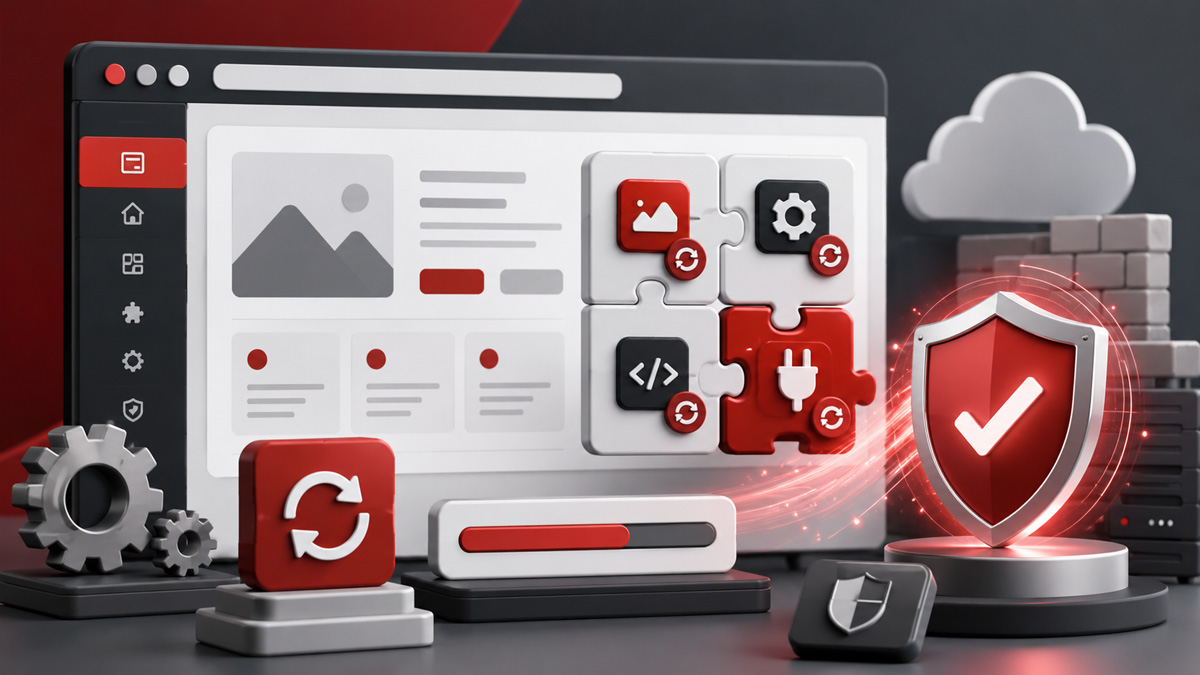
Additionally, there are numerous third-party monitoring tools that can be used to scan and monitor your website directly for some of the aforementioned items. The automated scans can be scheduled weekly, daily, or even multiple times per day. However, automated scans do not replace the need for manual security audits. Relying solely on automated scans can lead to items being overlooked.
2. Keep Plugins and Software Up-to-Date
Potential hackers and malware often compromise websites via loopholes and vulnerabilities within outdated software and plugins. To keep your small business website healthy and secure, it is imperative to update your software and plugins on a regular basis. Plugin and component updates contain enhanced security features and vulnerability repairs to improve your website's overall health. Additionally, these updates typically carry new features and compatibility improvements.
AI powered tools have enhanced the speed at which web and software development occurs. However, AI tools have also accelerated hackers' abilities to spot and take advantage of security loopholes. As such, it's even more critical now than ever to keep your plugins and software up-to-date.
3. Strengthen Passwords and Consider MFA
While using passwords that are short and easy to remember might be convenient, weak or re-used passwords make your small business website more vulnerable to cyberattacks. In order to better protect your website and data, choose a randomized and complex password containing uppercase and lowercase letters, numbers, and special characters for every new account. Do not re-use passwords on multiple platforms or across multiple accounts.
Additionally, you may want to consider enabling MFA (multi-factor authentication) for your website accounts, especially administrators with high permission levels.
4. Use a Trusted Web Host
In order to keep your website fully protected and prepared for cyberattacks, it is essential to choose a secure and reputable web hosting company. The web host you choose should be aware of potential threats, offer ongoing technical support whenever necessary, and devoted to keeping your small business website secure. However, keep in mind that the web host cannot be responsible for your individual websites’ structure and plugins/extensions maintenance. As a result, you cannot solely rely on your webhost for web security.
Our two favorite web hosting companies are KnownHost (for all types of websites) and WP Engine (for small business WordPress sites). Both of which have knowledgeable and responsive technical support staff that go above and beyond to help your website perform well and remain protected.
When choosing a web host, it's important to understand the difference between Managed and Unmanaged web hosting options.
5. Perform Routine Offsite Backups
It is critical that your website be backed up regularly in case of a security compromise or simply a user error when working on your website. We recommend backing up your website at least daily or weekly depending on your website’s traffic and frequency of content updates. Additionally, those backups should be stored “offsite.” In other words, you should have copies of the website backups stored at a third-party location in case your entire web hosting environment is compromised.
Many backup extensions can even sync to your existing cloud storage tools like Microsoft OneDrive, Google Drive, DropBox, Azure, etc.
6. Install a Quality WAF (Web Application Firewall)
Additionally, we recommend installing and configuring a Web Application Firewall (WAF) to protect against malware and hack attempts. Sucuri offers one of our favorite WAF’s which provides malware and hack protection, DDos Attack Mitigation, Zero-Day Exploit Prevention, and Brute Force Attack Protection. They also provide additional monitoring tools as well as malware removal services.
Check out Sucuri’s premier web security services.
7. Hire a Web Security Expert
When it comes to website security, it is always best and safest to hire a professional. While small tasks can be handled on your own, there are several security measures that should be left to an expert. Hiring a web security expert who can regularly scan and monitor your website for vulnerabilities, perform full security audits, and make repairs when needed can help save you time and money in the long run.
Contact Our Web Security Experts
At Igniting Business, we can help you improve your small business website security and keep your customers’ and company data secure. To learn more about our ongoing website security packages, contact our security experts today!
Additionally, if you are a bit of a do-it-yourselfer (DIY), we would still recommend that you check out the security toolsets offered by Sucuri. They can provide the WAF as previously mentioned and provide additional security hardening services or malware removal if needed.
At no additional cost to you, we may receive a commission if you click on some of the links on this website and make a purchase.